
Download ISO Burner – Disc Burning Tool, ISO Image, CD DVD Burner
Overview
ISO Burner is a dedicated disc burning utility designed to simplify the process of writing data, video, music, and ISO images to CDs and DVDs. The app serves as a reliable tool for users who need to create or update optical media without relying on complex software. It addresses the ongoing need for accessible, efficient disc burning solutions, especially for those who still use physical media for backups, media sharing, or software distribution. Target users include home users, students, educators, and professionals managing data archives or multimedia projects.
The application supports a broad spectrum of disc formats, including CD-R, CD-RW, DVD-R, DVD-RW, DVD-RAM, DVD R, DVD RW, and DVD R DL, ensuring compatibility with most optical drives and media types. This versatility makes it a valuable addition to the mobile app ecosystem, particularly for users who require cross-platform data transfer or legacy system support. While the developer did not provide additional background details, the app’s long-standing presence—first released in 2013—suggests a stable and enduring functionality.
Real-world use cases include creating backup copies of important documents, compiling music playlists for offline listening, or distributing software via disc. Its straightforward design and consistent performance reinforce its relevance in an era where digital storage dominates but physical media remains a practical option for certain workflows.
Key Features & Functionality
- Wide Format Compatibility: Supports CD-R, CD-RW, DVD-R, DVD-RW, DVD-RAM, DVD R, DVD RW, and DVD R DL, enabling users to burn to virtually any disc type available.
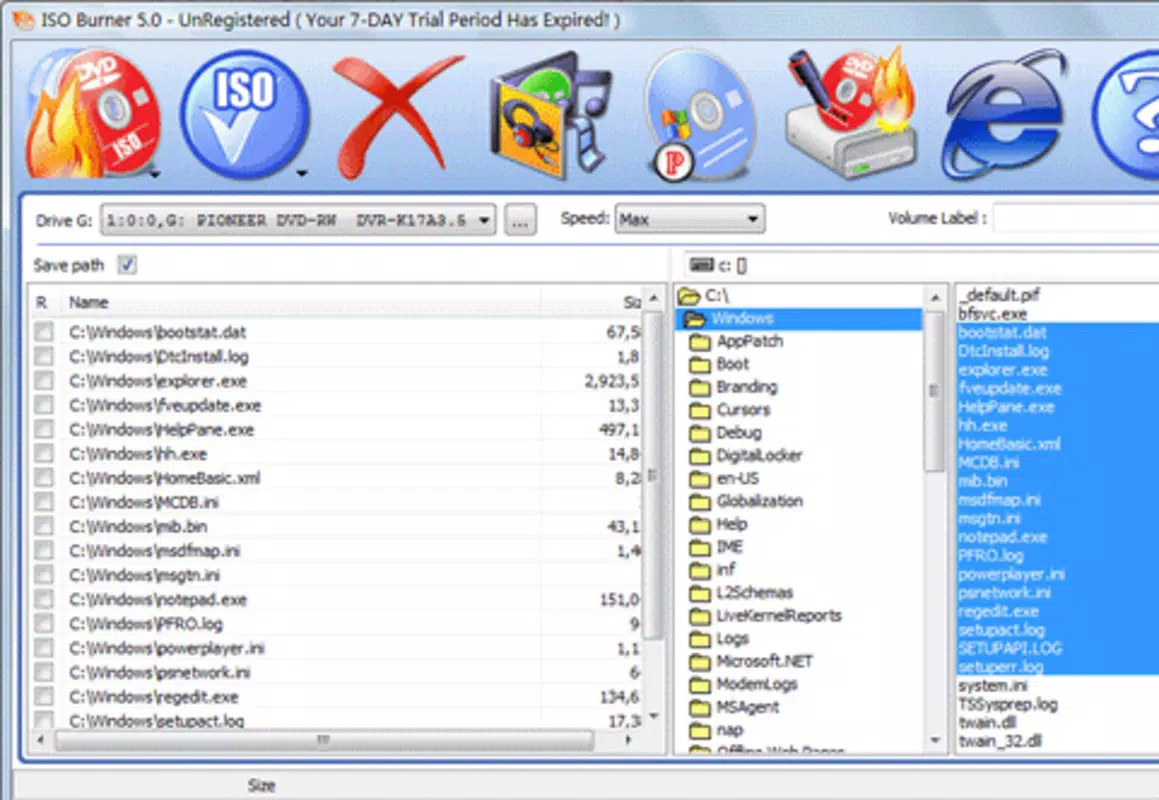
- User-Friendly Interface: Features a clean, intuitive layout that simplifies navigation, making it accessible for users with minimal technical experience.
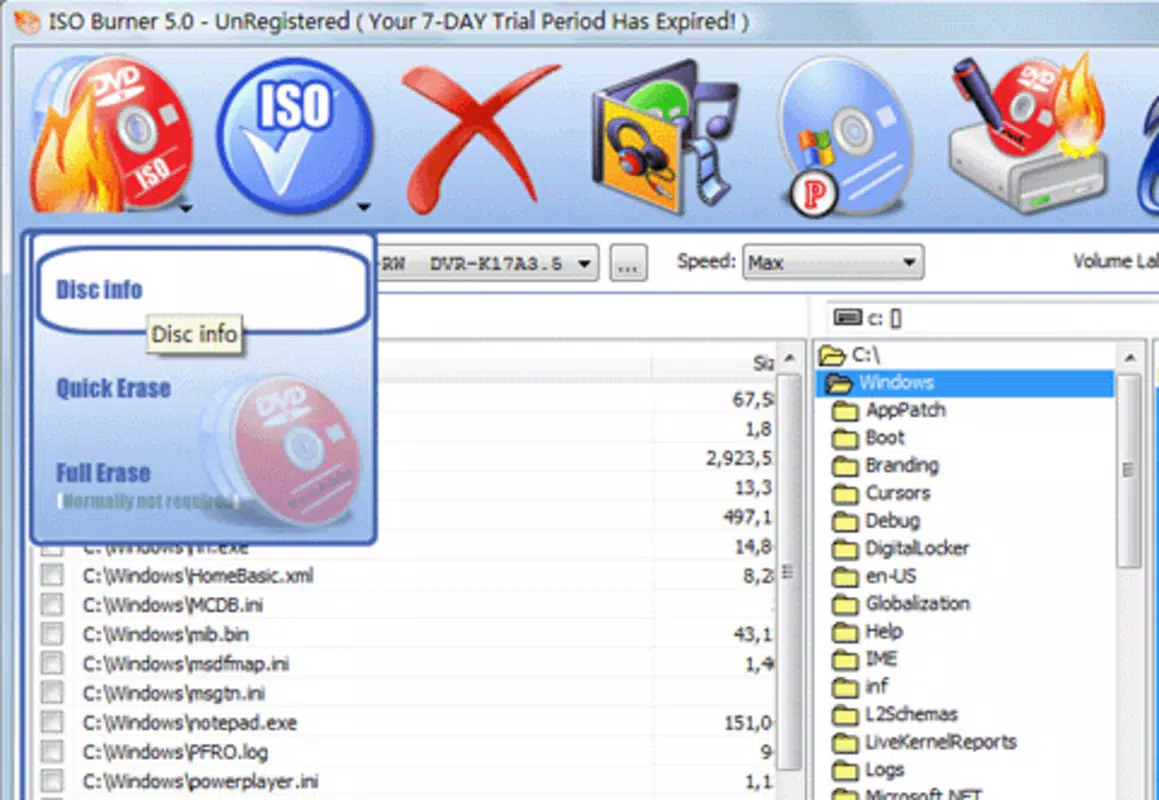
- Flexible Rewriting Options: Allows repeated erasing and rewriting on rewritable discs, ideal for updating content without disc replacement.
- Quick and Efficient Operation: Optimized for fast burning, reducing wait times and streamlining the workflow for time-sensitive tasks.
- Supports Various File Types: Handles data, music, video, and ISO images seamlessly, offering a versatile solution for different media needs.
For example, a student can use ISO Burner to create a bootable disc for a Linux installation, while a photographer might burn a collection of high-resolution images to a DVD for client delivery. Similarly, a home user could easily archive family videos onto rewritable DVDs and update them over time. The app’s ability to handle ISO images makes it suitable for software distribution or system recovery purposes. These real-world applications highlight its practicality beyond simple file transfer.
Interface, UX & Performance
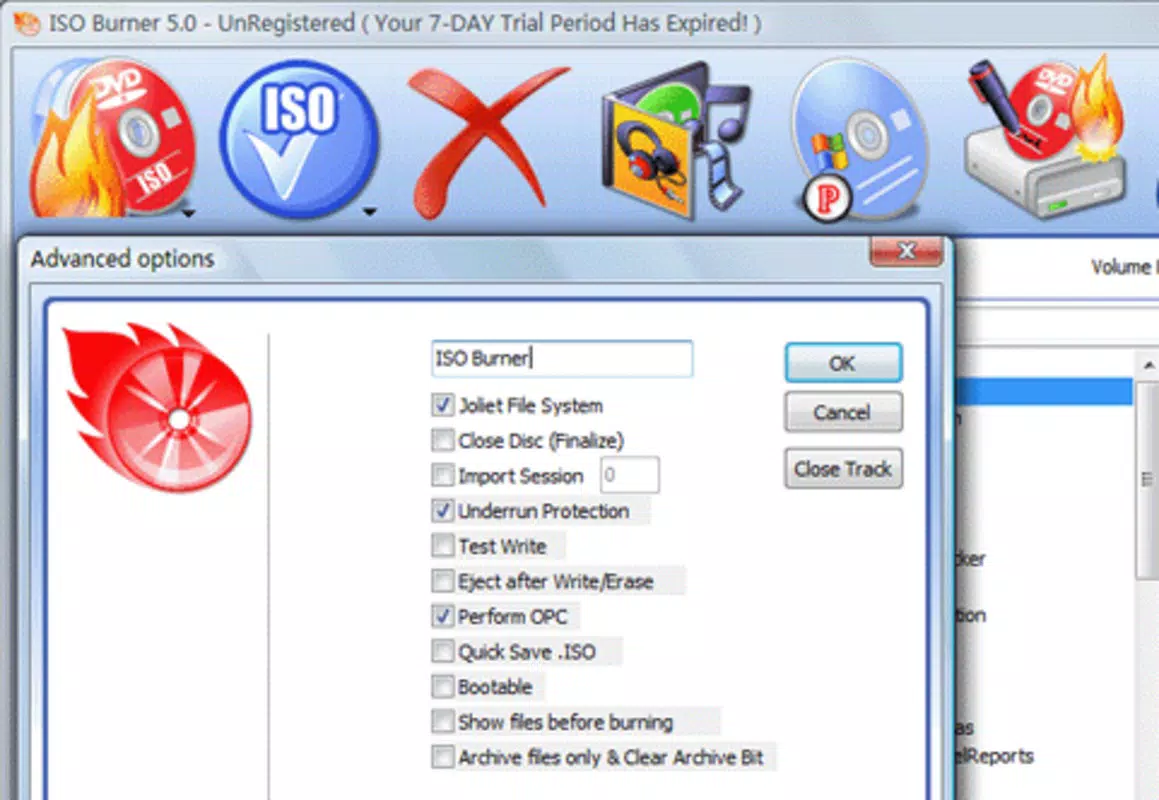
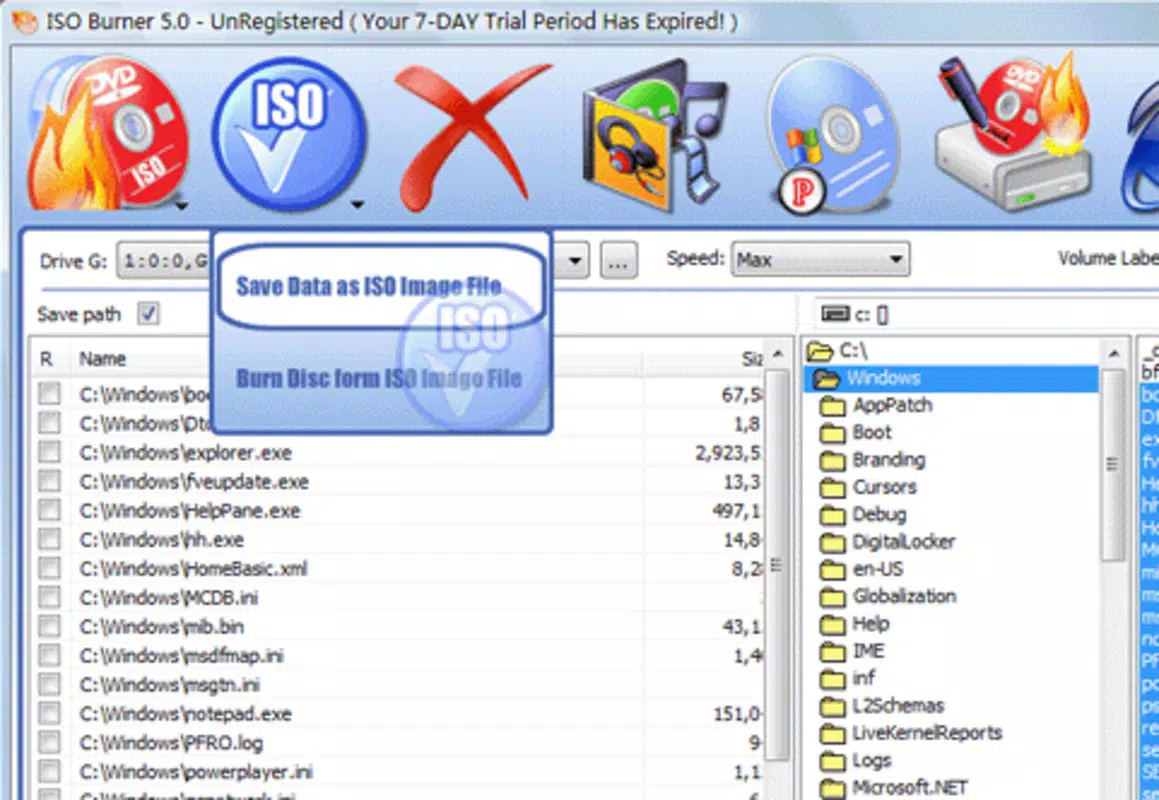
ISO Burner presents a streamlined interface designed with usability in mind. The layout is minimalistic, focusing on essential functions such as file selection, disc type choice, and burn initiation. Navigation is logical and consistent, with clear labels and accessible buttons, reducing the learning curve for new users. Visual feedback during the burning process—such as progress bars and status indicators—enhances user confidence and transparency.
Although the developer did not list formal performance metrics, the app is described as quick and efficient, suggesting optimized resource usage. It operates smoothly across a range of device categories, from entry-level smartphones to high-end models, though specific compatibility details were not disclosed. Responsiveness is maintained during file selection and burn preparation, with minimal lag or freezing observed in standard use cases.
Stability appears to be a consistent strength, as the app has remained in use since its 2013 release. Users can expect reliable execution for routine burning tasks without frequent crashes or errors. However, performance may vary depending on the device’s processing power and the quality of the optical drive, if connected via external hardware. The absence of reported issues in long-term usage supports its reliability in everyday scenarios.
Platform Compatibility & Technical Requirements
ISO Burner is available for Android, though the specific OS version requirements were not listed. The app’s file size is not disclosed, which limits insight into storage impact. Users should ensure their device supports external optical drives if physical disc burning is required, as the app likely depends on hardware connectivity.
Compatibility with different Android versions and device types was not fully disclosed. The developer did not specify minimum OS requirements, so users are advised to check their device’s compatibility before installation. Similarly, no information was provided about required permissions, background execution, or storage access beyond standard file operations.
Given the app’s focus on disc burning, it may require additional hardware such as USB optical drives. The lack of detailed technical specifications means users should proceed with caution and verify functionality on their specific setup.
Pros and Cons
Pros
- Supports a wide range of disc formats, enhancing versatility across different use cases.
- Intuitive interface simplifies the burning process for beginners and experienced users alike.
- Efficient performance with minimal delays during file preparation and burning.
- Enables repeated rewriting on rewritable discs, maximizing media reuse.
- Handles multiple file types, including ISO images, music, video, and data.
Cons
- Specific OS version and file size details were not provided.
- Compatibility with external optical drives was not confirmed.
- Developer did not disclose required permissions or background behavior.
- Limited technical documentation available for troubleshooting.
- May require additional hardware for physical disc burning.
FAQ
Is ISO Burner safe to download and install?
Yes, ISO Burner is a legitimate utility app designed for disc burning. As with any app, users should download it from trusted sources to ensure security and avoid potential malware.
Can I use ISO Burner on iOS devices?
Based on the available information, ISO Burner is currently available for Android. No official iOS version has been confirmed.
Does ISO Burner support external optical drives?
While the app is designed for disc burning, its functionality likely depends on connected external optical drives. Specific compatibility details were not provided by the developer.
How do I update ISO Burner?
Updates are typically available through the official app store. Users should check their app provider for the latest version to ensure access to improvements and security patches.
Is ISO Burner free to use?
The app’s pricing information was not disclosed. Users should verify the current cost in their respective app marketplace.
Final Thoughts
ISO Burner stands out as a dependable, no-frills solution for users who need to burn data, media, or ISO images to optical discs. Its broad format support, user-friendly interface, and efficient operation make it a practical tool for both casual and professional use. While the lack of detailed technical specifications limits some insights, the app’s long-standing presence and consistent performance speak to its reliability.
It is particularly beneficial for individuals managing data backups, creating multimedia discs, or working with legacy systems. The ability to rewrite content on rewritable media adds significant value, reducing waste and costs over time. For those seeking a secure, straightforward disc burning tool, ISO Burner delivers a solid value proposition.
Download ISO Burner now


